

When was the last time you checked how fast your website loads?
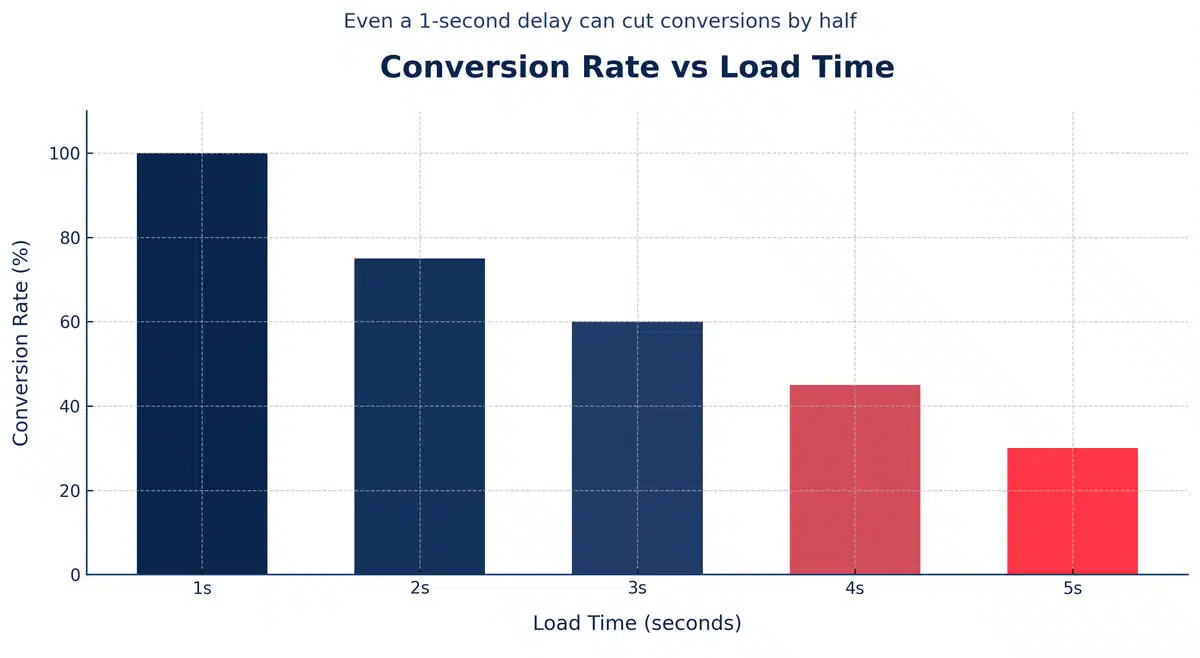
If it takes more than three seconds, you’re losing money. According to Google, 53% of users abandon a website that takes longer than three seconds to load, and Portent found that every additional second of delay reduces conversions by 4.42%.
Your website might look amazing, but if it loads slowly, visitors leave before they even see your offer.
The good news is that you don’t need a developer or a paid tool to find out what’s wrong. There are powerful free website speed test tools that analyze your page performance, pinpoint issues, and show exactly how to fix them.
💡 Want to know where your website stands right now? Request your Free Website Speed Review and get a personalized report with actionable fixes.
Key Takeaways
- Faster websites improve SEO rankings, conversions, and user satisfaction.
- A one-second delay can drop conversions by up to 7%.
- The ideal load time is under 2.5 seconds on both desktop and mobile.
- Use at least two different website speed test tools to get an accurate picture.
- Combine free tools with expert analysis for the best long-term performance results.
Why Website Speed and Performance Matter
Speed directly affects everything that matters to your business: search rankings, user engagement, and revenue.
Google confirmed that page speed is a ranking factor in its Page Experience update. Slow pages lead to lower rankings, fewer visits, and higher ad costs.
Even small speed improvements make a big difference. Deloitte reported that a 0.1-second improvement in mobile site speed increased conversion rates by 8%.
If you care about visibility, leads, and trust, testing your website speed regularly is not optional; it’s essential.
Top 10 Free Tools to Test Your Website Speed and Page Performance
Here are the best free tools you can start using today. Each one provides unique insights into how your website loads and what’s slowing it down.
1. Google PageSpeed Insights
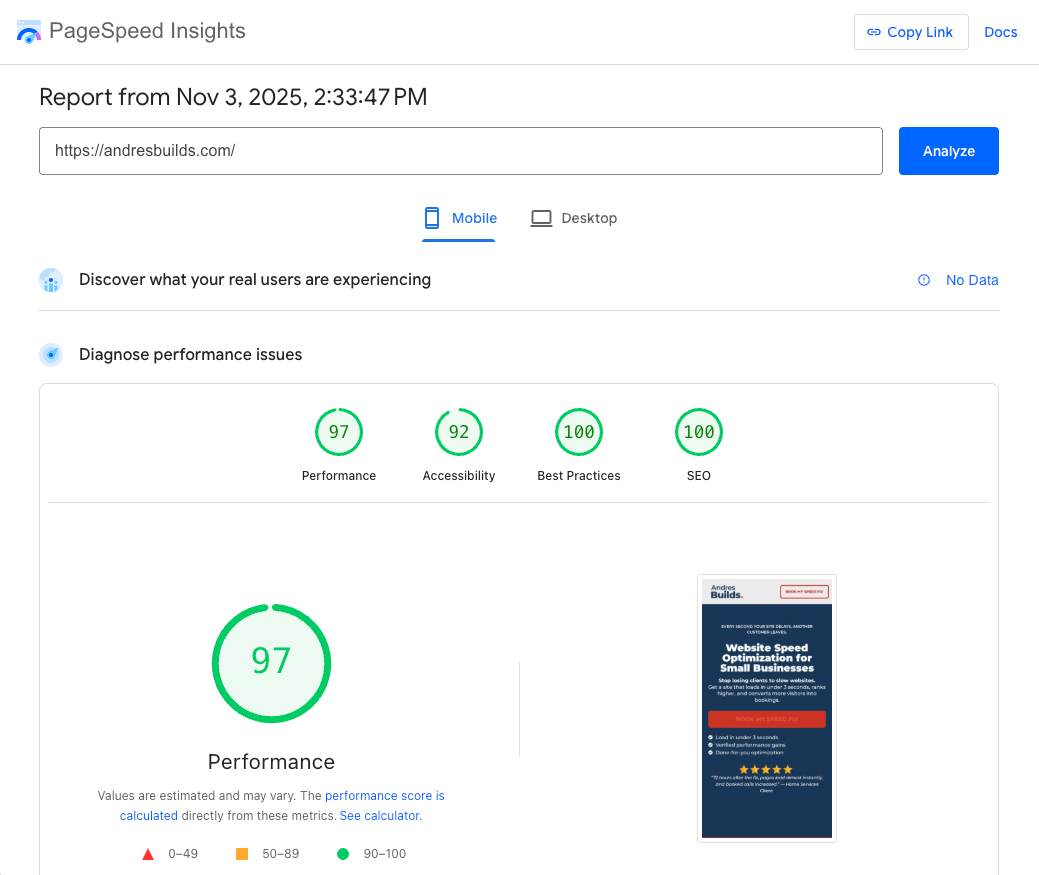
Best for: Testing Core Web Vitals and Google ranking readiness.
This official Google tool analyzes your site’s performance on both mobile and desktop. It measures Largest Contentful Paint (LCP), First Input Delay (FID), and Cumulative Layout Shift (CLS), all critical for SEO.
💡 Pro Tip: Aim for a score above 90 on both desktop and mobile.
2. GTmetrix
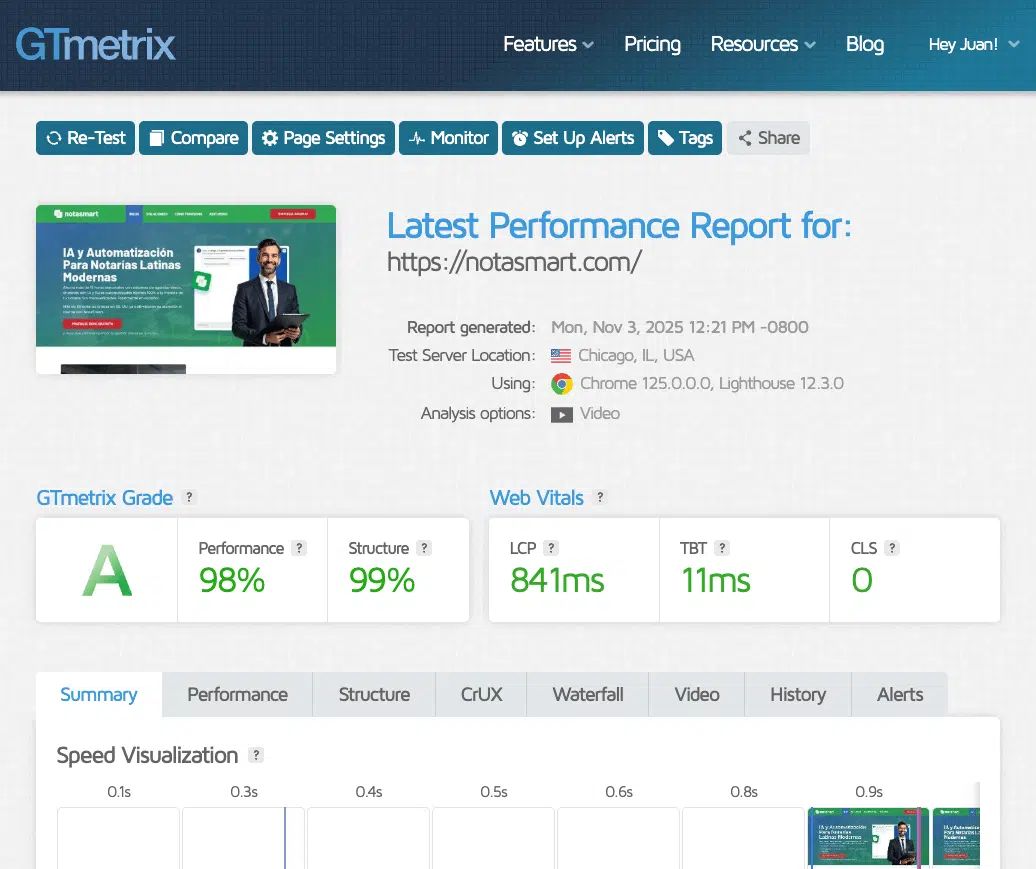
Best for: Detailed waterfall charts and resource analysis.
GTmetrix breaks down exactly how each element of your page loads and which scripts are slowing it down. You can also test from multiple geographic locations.
💡 Combine this with your hosting location to see real-world results.
3. Pingdom Website Speed Test
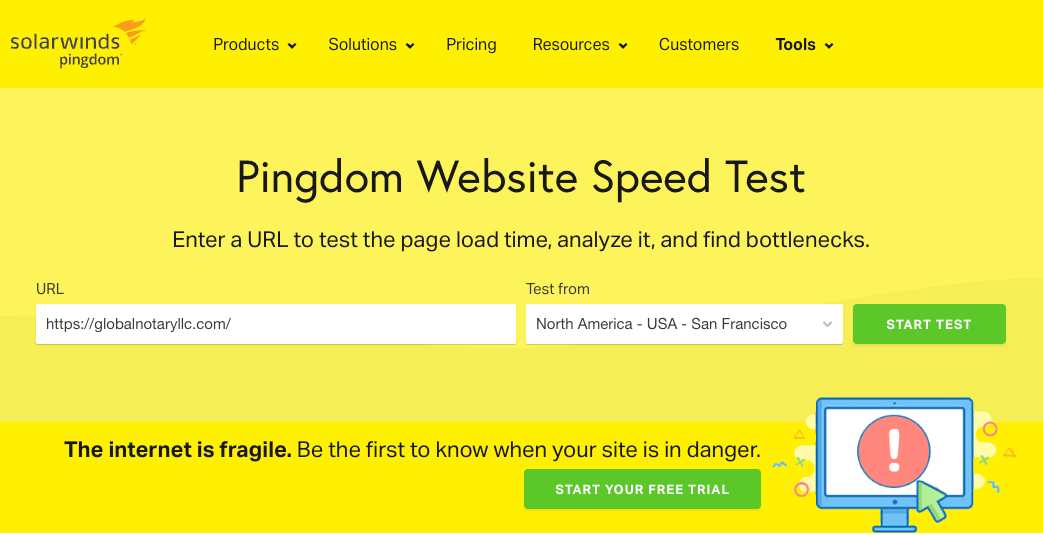
Best for: Simple, beginner-friendly testing.
Pingdom provides a performance grade, page size, and load time in seconds. It also tracks how your website performs over time.
💡 Use this tool weekly to track progress after optimization.
4. WebPageTest
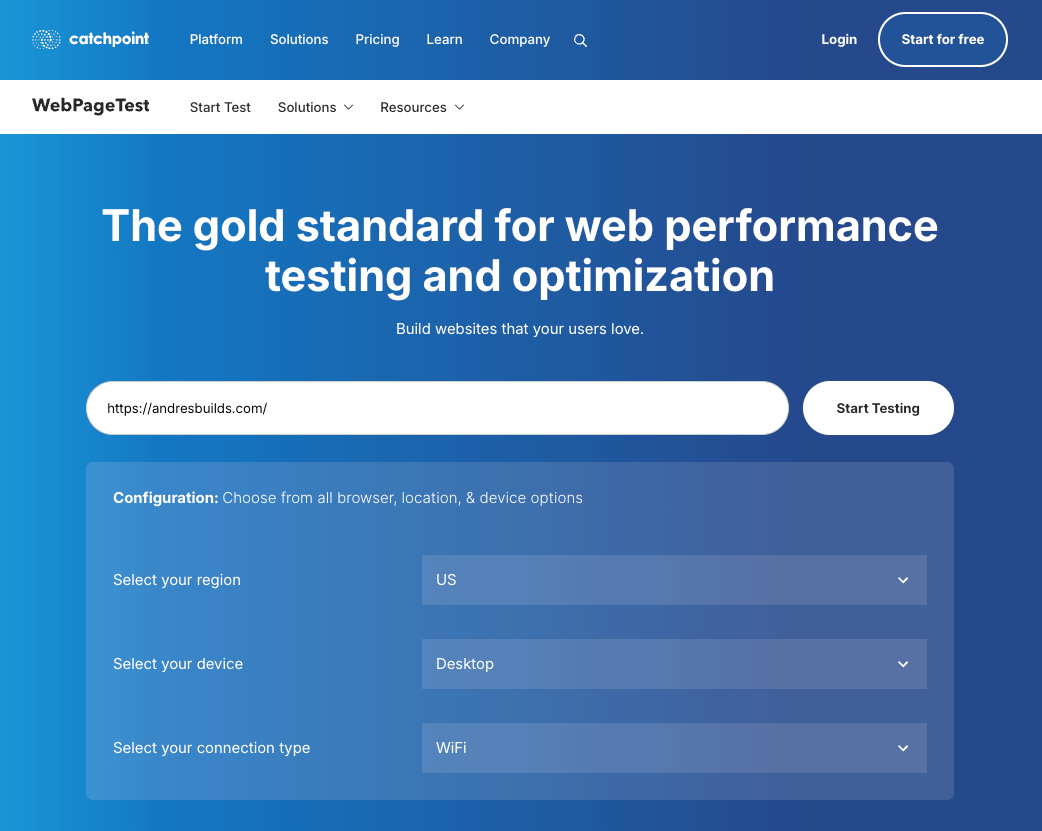
Best for: Advanced, lab-style performance data.
WebPageTest gives an in-depth view of your site’s loading process, including filmstrip views and core metric breakdowns.
💡 Great for agencies or technical users who want granular results.
5. Chrome DevTools (Performance Tab)
Best for: Live testing and debugging.
Built into Chrome, this tool allows you to simulate mobile devices, throttle network speeds, and analyze real-time performance data.
💡 Right-click your site → Inspect → Performance Tab → Start profiling.
6. Lighthouse
Best for: Measuring performance, accessibility, and SEO at once.
Lighthouse is built into Chrome and generates a full report with metrics for speed, accessibility, and best practices.
💡 Run it regularly during development or redesign phases.
7. Screaming Frog SEO Spider (Free Version)
Best for: Comprehensive technical SEO and speed audits.
Screaming Frog goes beyond traditional speed testing. It crawls your website to identify performance issues, large images, unnecessary redirects, and slow-loading scripts. When integrated with Google PageSpeed Insights, it reveals detailed Core Web Vitals data for every page.
💡 Pro Tip: Use the free version to crawl up to 500 URLs and uncover hidden performance bottlenecks.
8. Uptrends Free Website Speed Test
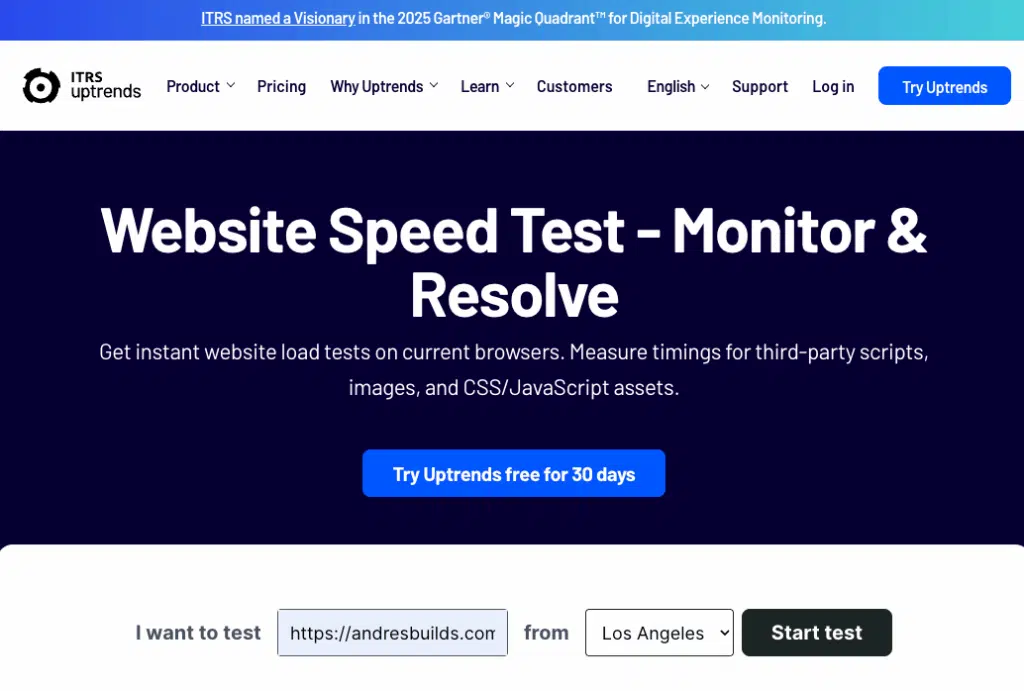
Best for: International testing.
Uptrends allows you to test from more than 40 global locations, perfect for businesses targeting international audiences.
9. Dareboost
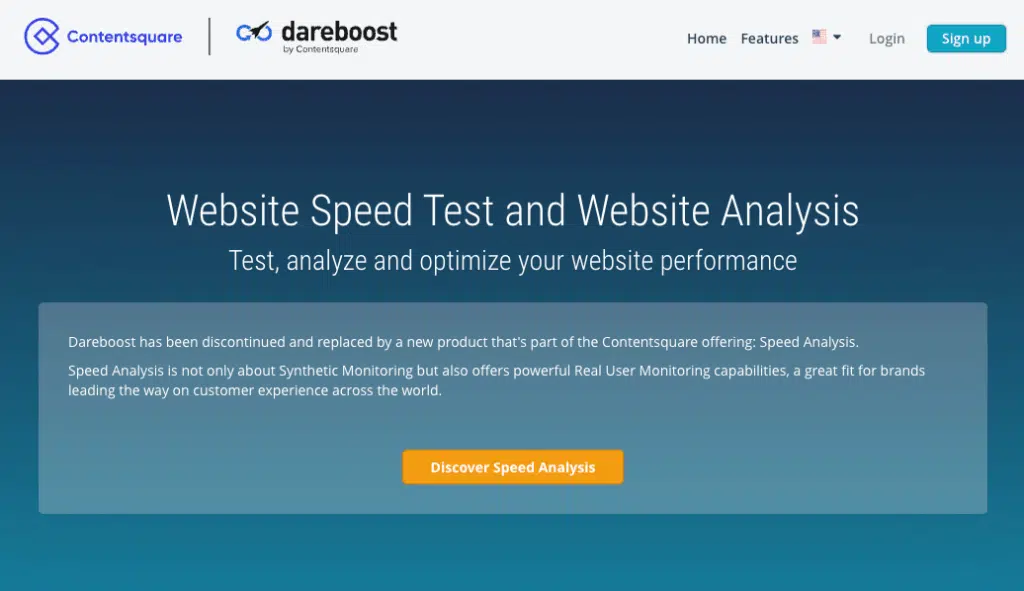
Best for: Full website quality reports.
Dareboost measures speed and also provides detailed advice on SEO, security, and accessibility improvements.
🔗 Check your site with Dareboost
10. SiteSpeed.io
Best for: Developers and technical SEO audits.
An open-source tool that provides deep technical metrics and allows automated testing for continuous optimization.
💡 Ideal for developers working on multiple projects.
💡 Want help interpreting your results?
Request your Free Website Speed Review and we’ll show you exactly how to turn your test results into faster load times and higher conversions.
How to Interpret Your Test Results
After running your speed tests, focus on these metrics:
- Load Time: Aim for under 2.5 seconds.
- LCP (Largest Contentful Paint): Measures main content load speed.
- FID (First Input Delay): Measures responsiveness.
- CLS (Cumulative Layout Shift): Measures layout stability.
If you consistently see slow times or low scores, your site likely needs professional optimization.
Cross-check results between tools, for example, use GTmetrix for technical breakdowns and PageSpeed Insights for SEO-related recommendations.
When to Request a Professional Audit
Free tools are great for identifying problems, but they can’t always fix them.
If your scores are inconsistent or your load time is still over three seconds after multiple improvements, it’s time to go deeper.
That’s where our Free Website Speed Review comes in.
We’ll review your Core Web Vitals, server performance, and plugin setup, and give you a clear roadmap to improve both user experience and conversions.


Frequently Asked Questions
Which website speed test tool is the most accurate?
Google PageSpeed Insights is the most trusted for SEO since it measures Core Web Vitals directly used by Google’s ranking algorithm.
How often should I test my website speed?
Test your site once per month or after any major update, plugin installation, or design change.
What’s a good website load time?
Under 2.5 seconds. Anything beyond three seconds can cause users to leave and hurt your SEO rankings.
Which cities do you serve?
We work with small businesses throughout the U.S., especially in New York, Los Angeles, Chicago, Miami, Atlanta, and Austin.
Can I improve website speed without hiring a developer?
Yes. Tools like WP Rocket, TinyPNG, and Cloudflare make it easy to optimize speed even without coding knowledge.
Conclusion
Your website’s speed is more than just a technical metric; it’s the difference between earning a customer and losing one.
A fast, stable website not only improves SEO but also builds credibility and trust.
After helping hundreds of small businesses improve their load times, we’ve seen firsthand how faster sites attract more visitors and convert better.
If you’ve run your site through these tools and still see poor results, don’t leave conversions on the table.
Request your Free Website Speed Review and get a custom report showing exactly how to make your website faster and more profitable.